
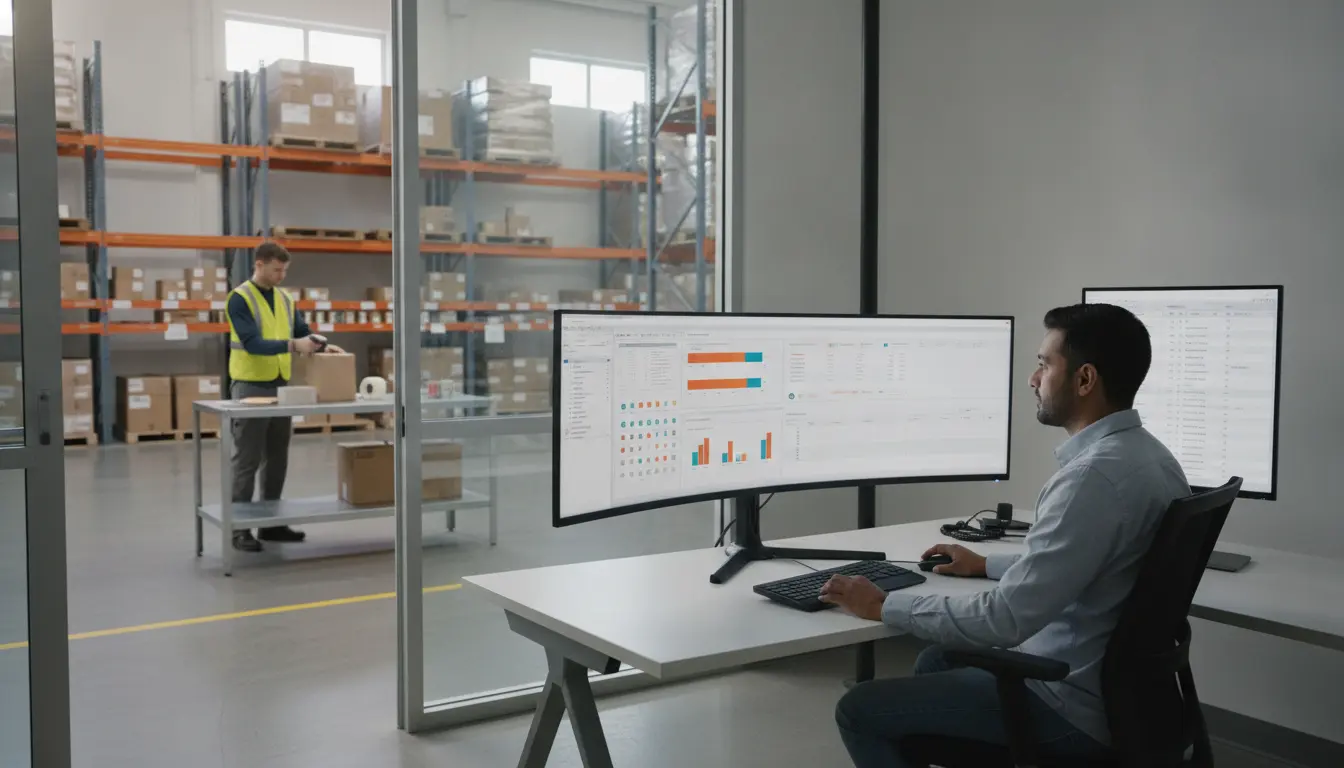
A 3PL connects to your ERP (enterprise resource planning system) by exchanging a few defined messages: your sales orders and inventory movements go to the warehouse, and shipment confirmations, receipts and inventory counts come back. That exchange runs over EDI, an API, or scheduled file transfers. Any 3PL can name your ERP in a brochure; what matters is which method it uses, which messages it supports and who builds and maintains the connection. This guide shows you how to find out before you sign.
What an ERP-to-3PL integration actually moves
Whatever your ERP is, six messages carry almost all the traffic.
If a provider cannot clearly describe how each of these six messages moves, the integration is not defined yet.
Three ways a 3PL can connect to your ERP
1. EDI
Electronic data interchange uses standard document formats, often through a network or an EDI provider. It is common in wholesale and retail, and many ERPs already speak it. It is mature and reliable, but changes (a new document, a new field) usually need configuration work on both sides.
2. API
An application programming interface exchanges data in near real time, which suits ecommerce and inventory-sensitive operations. APIs are flexible, but both systems need to support compatible calls, and someone must build, monitor and maintain the connection. Ask who owns that work and how errors are handled.
3. Flat files on a schedule
Some integrations exchange CSV or XML files on a schedule through secure file transfer. It is simple, widely supported and often the fastest way to connect a large, customized ERP, but data is only as fresh as the schedule. If you sell online while inventory moves quickly, a once-a-day file may be too slow.
Many setups mix methods, for example EDI for retailer orders and an API for inventory updates.
SAP, Oracle, NetSuite and other ERPs: what changes?
The big ERP platforms differ in their standard connectors and the way each company customizes them, but the 3PL’s questions are the same. Rather than asking “do you integrate with SAP?” ask the provider how it has connected to your type of system before and what that connection involved.
- Heavily customized ERPs (often SAP or Oracle in larger companies) usually need a scoped project with an integration specialist, defined message formats and testing. A “yes, we integrate” without scoping is a warning sign.
- Cloud ERPs (such as NetSuite) often expose APIs and standard connectors, which can shorten the project, but you still need to define which messages flow and how errors are handled.
- Accounting-led systems may not manage warehouse inventory in detail, so the 3PL’s WMS may stay the system of record for stock levels, with periodic syncs to the ERP.
Questions to ask a 3PL about ERP integration
- Which connection methods do you support (EDI, API, flat file), and which do you recommend for my ERP?
- Have you connected to this ERP, or one like it, before? What did the project involve?
- Which of the six core messages are standard, and which are custom work?
- Who builds the connection, who pays for it and who maintains it after go-live?
- How fresh is inventory data, and what happens when a message fails?
- How are discrepancies handled between what the ERP expected and what the warehouse received?
- How do you test before go-live, and how long does testing take?
- Can the same inventory serve B2B wholesale pricing and DTC retail pricing, and where does pricing logic live?
- What does the ERP see when a return is processed?
- What is the support process when an integration breaks at 5 p.m. on a Friday?
Ask for the answers in writing and compare them across providers. Our RFP question list and integration expert checklist add more questions.
What a typical ERP integration project looks like
Most integrations follow the same sequence, whatever the systems involved.
- Scope. Agree which of the six messages you need, which method carries each one and who owns each side of the build.
- Map the data. Match your ERP’s fields to the warehouse system’s fields: SKU codes, units of measure, location names, carrier codes and order types. Mismatched units (each versus case) are the most common source of early errors.
- Build the connection. Configure the EDI documents, API calls or file formats, along with security and error alerts.
- Test with sample orders. Send test orders, receipts and adjustments through the connection and compare what the ERP shows with what the warehouse recorded.
- Run a short parallel period. Many teams check the first live orders by hand before trusting the connection fully.
- Go live and monitor. Watch failed messages and counts closely for the first weeks, then settle into routine reporting.
Evolution Fulfillment’s own onboarding follows a similar pattern of system setup, process configuration, test orders and go-live, which typically takes two to four weeks. Heavily customized ERPs usually need more time at the mapping and testing steps, so ask for that in the timeline.
Pricing logic: B2B and DTC in one system
Brands that sell wholesale and direct often ask whether one inventory pool can serve both. In most setups, pricing and order rules live in your ERP or ecommerce platform, and the warehouse system receives the order already priced. The warehouse’s job is to keep one accurate inventory count and pick to the right order type: palletized and labeled for a retailer, or boxed and branded for a consumer. If pricing needs to differ by channel, make sure the ERP or storefront handles it and the integration passes the right order type to the warehouse. Our articles on moving from DTC to wholesale and what B2B fulfillment involves cover that operational split.
Inventory accuracy depends on the integration
An integration that moves messages is only as good as the counts behind them. Ask how the 3PL does cycle counts, how it reports discrepancies and how it reconciles with your ERP. We explain what to look for in our guide to inventory accuracy, cycle counts and SLA reporting.
Where Evolution Fulfillment fits
Evolution Fulfillment provides a web-based warehouse management system that gives clients 24-hour access to live customer, inventory and returns information, and clients can connect it partly or fully to their own web stores, sales-management and accounting software. Through its B2B order fulfillment and B2C order fulfillment services, its warehouse integrates with ecommerce platforms, ERP and EDI setups and sales channels, and the details of each client’s connection are agreed during onboarding, which typically takes two to four weeks. Tell us which ERP you use and what you need it to do, and we will confirm how it would connect before you commit.
Talk to us about your ERP
Send us your ERP, your sales channels and your monthly order volume. Request a fulfillment quote and ask for an integration scoping call.
Frequently asked questions
How does a 3PL integrate with an ERP?
A 3PL exchanges a defined set of messages with your ERP: item master data, inbound plans, receipts, orders, shipment confirmations and inventory updates. The exchange runs over EDI, an API or scheduled file transfers, and is built and tested before go-live.
Can a 3PL integrate with SAP or Oracle?
Many can, but it is usually a scoped project rather than a switch. SAP and Oracle systems are often customized, so the 3PL needs to define the message formats, build and test the connection and agree who maintains it. Ask for examples and a written scope instead of a yes or no.
What is the best integration method: EDI, API or flat file?
None is best in every case. EDI suits wholesale and retail documents, APIs suit near real-time ecommerce and inventory data, and scheduled file transfers are a simple option for large or heavily customized systems. Many brands combine methods.
How long does a 3PL ERP integration take?
It depends on the ERP, the number of messages and how customized your system is. Simple platform connections can be quick, while heavily customized ERP projects take longer because of mapping and testing. Ask any provider for a timeline in writing and for what testing involves.
Who is responsible for maintaining the integration?
This should be agreed before you sign. Ask whether the 3PL, your IT team or a third-party integration provider maintains the connection, who is contacted when a message fails and what response time applies.
Does Evolution Fulfillment integrate with ERP systems?
Evolution Fulfillment says its warehouse integrates with ecommerce platforms, ERP and EDI setups and sales channels. The details of each client’s connection are agreed during onboarding, so tell us which ERP you use and what you need it to do, and we will tell you how we would approach it.